
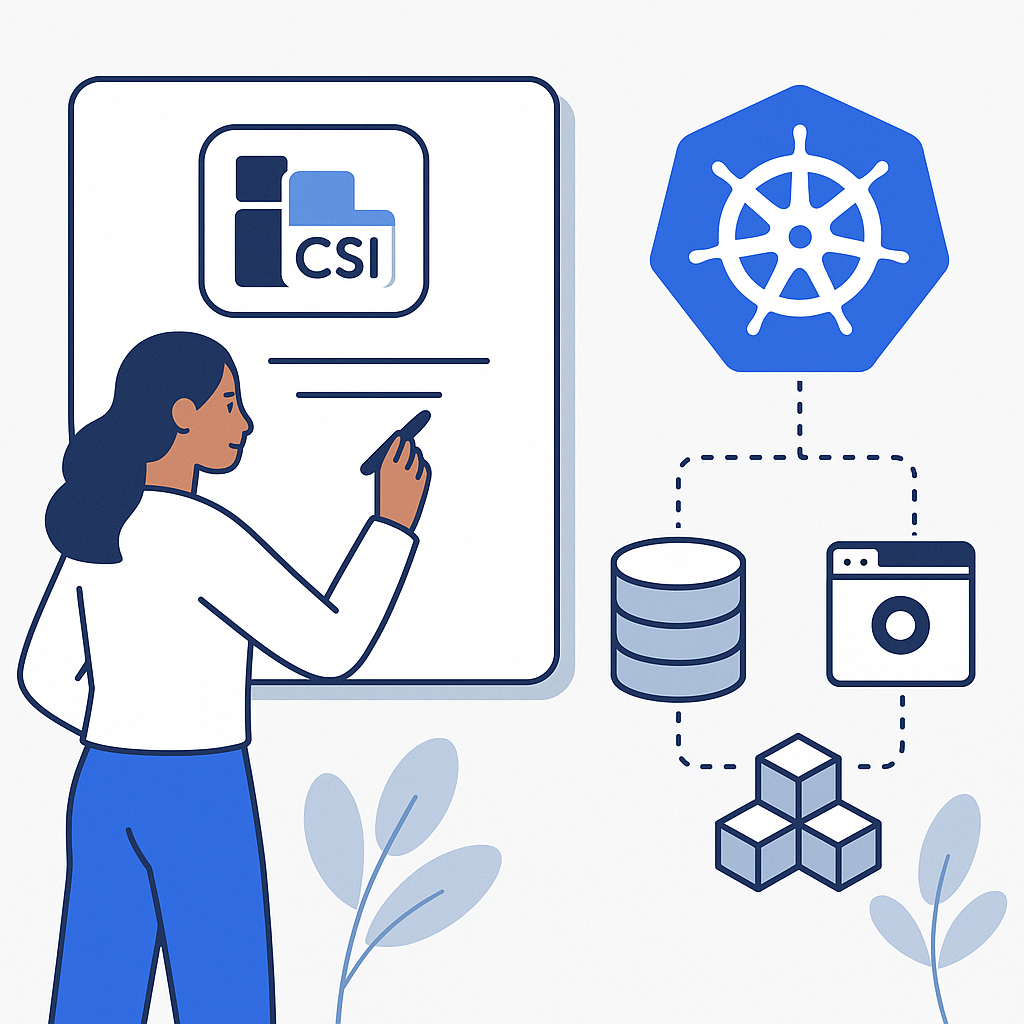
Kubernetes Storage Management with CSI: Architecture and Backend Integration
When bringing containerized applications to production, data persistence becomes crucial. Kubernetes offers multiple options to obtain reliable, portable volumes, but orchestrating heterogeneous storage requires a clear standard. This is where CSI comes in, the standard that has transformed storage integration with clusters, allowing vendors and the community to develop modular, reusable drivers without touching Kubernetes core.
What the Container Storage Interface is and why it matters
CSI is an open specification that defines how storage systems should expose volume provisioning, attach, mount, snapshot, and resizing capabilities to orchestrators like Kubernetes. Before its adoption, storage drivers were maintained in-tree, that is, inside the Kubernetes source code, with high maintenance costs and slowed release cycles. With CSI, drivers are out-of-tree: separate components, released and updated independently, as long as they comply with the standard interface.
In practice, CSI creates a common language between Kubernetes and any storage solution: from cloud provider block disks, to on-premises distributed filesystems, to software-defined platforms and hyperconverged solutions.
Architecture of a CSI driver in Kubernetes
Controller plugin and Node plugin
Each CSI driver typically consists of two parts:
- Controller plugin: manages cluster-level operations, such as creating and deleting volumes, attaching to a node, and snapshots. It runs as a Deployment or StatefulSet.
- Node plugin: operates on each node and handles the actual (stage/publish) mounting of volumes into the pod filesystem. It runs as a DaemonSet and requires privileges to manage devices and mount points.
The sidecars that talk to the Kubernetes API
CSI drivers are accompanied by sidecars maintained by the Kubernetes community that translate API server events into CSI calls:
- external-provisioner: performs dynamic provisioning of volumes when a PersistentVolumeClaim is created.
- external-attacher: manages attaching and detaching volumes to a node.
- external-resizer: coordinates volume expansion.
- external-snapshotter: enables snapshot and restore, together with the snapshot CRDs.
- node-driver-registrar and livenessprobe: register the driver with the kubelet and monitor its health.
Kubernetes objects involved
To use storage with CSI, these objects come into play:
- StorageClass: defines the provisioning profile (driver, parameters, policies).
- PersistentVolume (PV) and PersistentVolumeClaim (PVC): represent the actual volume and the application request.
- CSIDriver and CSINode: describe the driver capabilities and presence in the cluster.
- VolumeSnapshot, VolumeSnapshotClass, VolumeSnapshotContent: enable snapshot and restore (if supported by the driver).
The lifecycle of a volume managed by CSI
Dynamic provisioning
The application creates a PVC referencing a StorageClass. The external-provisioner sidecar asks the CSI driver to create a volume with the desired characteristics (size, disk type, topology). If the StorageClass uses the WaitForFirstConsumer mode, actual creation waits for the pod to be scheduled to honor zone or node constraints.
Attach and mount
Once the pod is scheduled, the volume is attached to a node (ControllerPublish) and then staged and published by the Node plugin (NodeStage/NodePublish) into the container path. The driver handles the details: device path, filesystem, mount options, and enforces any locks for access modes (RWO, RWX, ROX).
Expansion, snapshot, and clone
If the StorageClass and the driver support expansion, increasing storage is possible by updating the PVC spec; the resizer coordinates the operation at the storage and filesystem level. Snapshots and clones allow point-in-time copies for restore or test environments: the operation is orchestrated via the snapshot CRDs and related APIs.
Deletion and reclaim policies
When a PVC is removed, the associated PV follows the StorageClass ReclaimPolicy: Retain (keep data), Delete (delete resource and data), or Recycle (deprecated). In regulated environments, Retain is often preferred to avoid accidental deletions.
Managing different storage backends with a single cluster
Types of backends and use cases
- Block storage (e.g., cloud disks or SAN): high IOPS for transactional databases. Typically provides ReadWriteOnce.
- Distributed file storage (e.g., NFS, CephFS, EFS): multi-pod/multi-node sharing with ReadWriteMany.
- Software-defined storage (e.g., Portworx, Longhorn, OpenEBS): advanced data services, synchronous replication, encryption, granular policies.
The choice depends on required access modes, latency, resilience, availability zones, and costs.
Topology and scheduling awareness
With CSI, topology becomes part of provisioning. Attributes such as zones or failure domains are used to place volumes and pods close together, minimizing latency. The WaitForFirstConsumer mode avoids creating volumes in the wrong zones before the pod is scheduled.
Security and credentials
Many drivers require secrets to authenticate against the array or service. These secrets are referenced by the StorageClass or the PVC. At the pod level, options such as fsGroup, SELinux, and mount options affect file permissions and ownership. Isolation is strengthened by keeping the Node plugin with the minimum necessary privileges and accurate RBAC on the sidecars.
Performance and reliability
StorageClass parameters (disk type, replication policy, mount options) directly influence throughput and resilience. For heavy workloads, consider NVMe disks, volumes with guaranteed IOPS, or filesystems optimized for metadata (e.g., XFS). Monitoring attach/detach metrics, mount latency, and driver error rates helps prevent incidents.
Practical example: StorageClass, PVC, and Pod
Below is a complete flow for a block volume in a public cloud. Adjust parameters and driver to your environment.
StorageClass with dynamic provisioning and topology
apiVersion: storage.k8s.io/v1
kind: StorageClass
metadata:
  name: ebs-gp3
provisioner: ebs.csi.aws.com
allowVolumeExpansion: true
volumeBindingMode: WaitForFirstConsumer
parameters:
  type: gp3
  fsType: ext4
allowedTopologies:
- matchLabelExpressions:
  - key: topology.kubernetes.io/zone
    values:
    - eu-west-1a
    - eu-west-1b
PVC requesting 20Gi
apiVersion: v1
kind: PersistentVolumeClaim
metadata:
  name: app-data
spec:
  accessModes:
  - ReadWriteOnce
  storageClassName: ebs-gp3
  resources:
    requests:
      storage: 20Gi
Pod that mounts the volume
apiVersion: v1
kind: Pod
metadata:
  name: app-with-storage
spec:
  containers:
  - name: app
    image: nginx:1.25
    volumeMounts:
    - name: data
      mountPath: /usr/share/nginx/html
  volumes:
  - name: data
    persistentVolumeClaim:
      claimName: app-data
Snapshot (if supported by the driver)
To use snapshots, you need to install the related CRDs and controllers. Here is a minimal example:
apiVersion: snapshot.storage.k8s.io/v1
kind: VolumeSnapshotClass
metadata:
  name: ebs-snapclass
driver: ebs.csi.aws.com
deletionPolicy: Delete
---
apiVersion: snapshot.storage.k8s.io/v1
kind: VolumeSnapshot
metadata:
  name: snapshot-app-data
spec:
  volumeSnapshotClassName: ebs-snapclass
  source:
    persistentVolumeClaimName: app-data
Operational best practices
- Select StorageClasses by profile: balance cost and performance (e.g., standard, high-IOPS, critical).
- Prefer WaitForFirstConsumer for workloads with zone constraints or GPU nodes.
- Enable expansion only where it is tested end-to-end; verify that the filesystem supports online growth.
- Apply a ReclaimPolicy appropriate to risk: Retain in sensitive production environments.
- Monitor the sidecars and driver pods: readiness, CSI errors, and attach/detach times.
- Document driver limits: available access modes, snapshots/clones, volumeMode (Filesystem or Block).
- Run failover tests: node restarts, pod eviction, unavailable zone simulations.
Conclusions
Thanks to an open standard and a rich ecosystem of drivers, it is possible to orchestrate multiple storage technologies consistently within the same cluster. The key is to carefully design StorageClasses, policies, and topology to provide applications with the right balance of reliability, performance, and cost.
Put it into practice now
Evaluate your cluster’s critical workloads and map access, latency, and resilience requirements. Create two or three targeted StorageClasses, run a provisioning, failover, and snapshot test in a staging environment, and measure recovery times. If you want a review of your choices or tailored examples for your stack, contact us: we can help you design a solid, sustainable CSI adoption plan.
Comments