
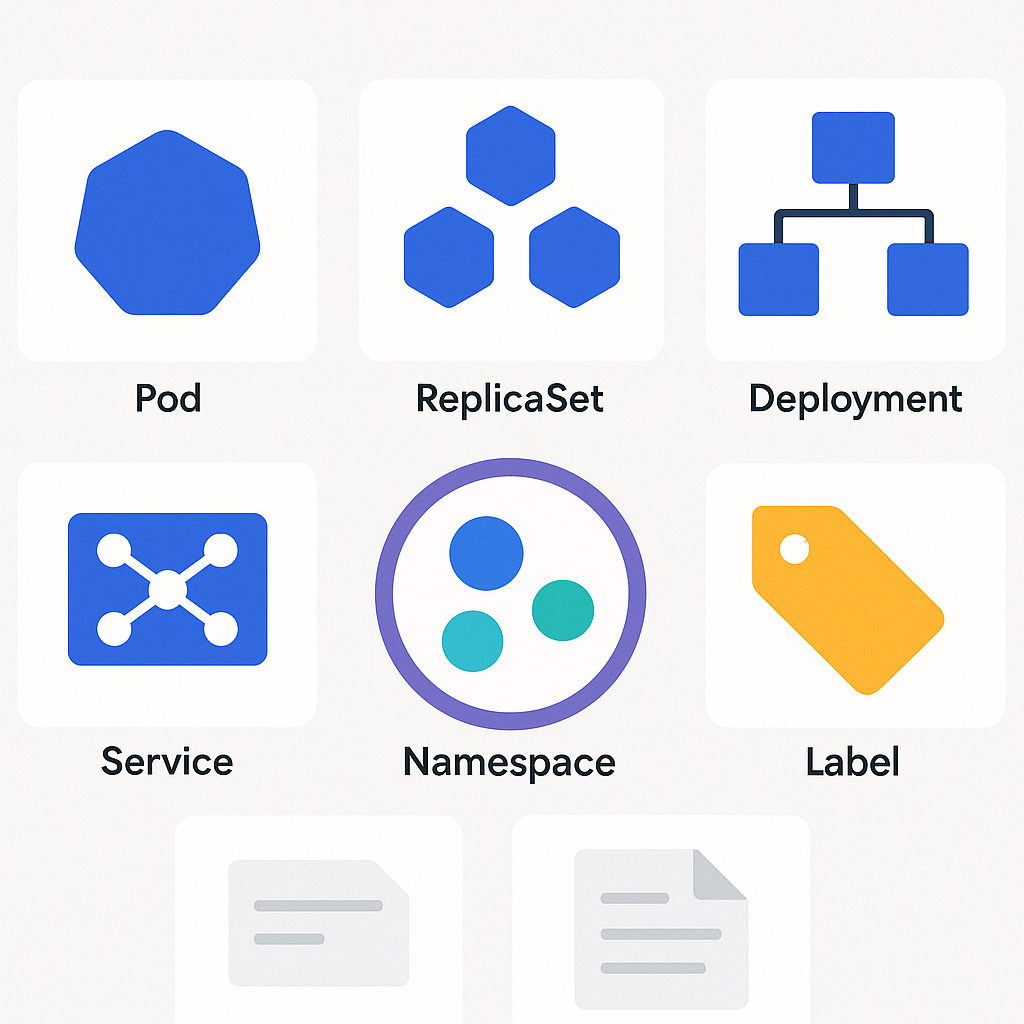
A Guide to Core Concepts: Pod, ReplicaSet, Deployment, Service, Namespace, Labels, Annotations
When working with Kubernetes, understanding its building blocks is the first step to designing resilient, scalable, and observable applications. In this practical, in-depth guide we explore the concepts you will find in every well-configured cluster: how application processes are born, how they scale and update without interruptions, how they are exposed externally, and how they are organized and enriched with metadata useful to people and tools.
Overview of Kubernetes architecture
In Kubernetes everything revolves around declarative objects. You describe the desired state in a manifest (typically YAML), and the control plane takes care of reaching and maintaining it. Workloads run on the cluster’s nodes; controllers ensure the requested replicas are in place; Services provide a stable endpoint; labels and annotations add context, while namespaces segment environments.
Pod
The Pod is the smallest execution unit. A Pod contains one or more containers that share network and ephemeral storage. Containers in the same Pod are co-located: they run on the same node, talk to each other via localhost, and are managed as a single lifecycle.
When is it used? To co-locate tightly coupled processes (for example, an application container and a sidecar for logging or a proxy). You don’t scale a Pod directly: you create multiple replicas of identical Pods via higher-level controllers.
Best practices for Pods
Use resource requests/limits for CPU and memory, readiness and liveness probes to distinguish started from ready, and mount ConfigMaps/Secrets only if needed. Do not use bare Pods in production: they are ephemeral and do not provide self-healing or scaling by themselves.
Essential Pod example
apiVersion: v1
kind: Pod
metadata:
  name: example-pod
  labels:
    app: demo
spec:
  containers:
  - name: web
    image: nginx:1.25
    ports:
    - containerPort: 80
ReplicaSet
A ReplicaSet ensures that a desired number of identical Pods is always running. If a Pod dies, another is created. The label selector determines which Pods are under its control.
In day-to-day practice you almost never create a ReplicaSet by hand: you get it implicitly through Deployments, which manage it to implement updates and rollbacks.
Deployment
The Deployment is the most used controller for stateless applications: you declare the image, the number of replicas, and the update strategy; it creates and replaces ReplicaSets and Pods over time. It supports progressive rollouts, rollbacks to previous versions, and horizontal scaling.
Update strategies
The default strategy is RollingUpdate: it gradually replaces Pods while keeping the app always available. You can control how many new/old Pods coexist with the maxUnavailable and maxSurge parameters. Recreate, instead, stops everything and then recreates: it’s useful only when you cannot have two versions at the same time.
Deployment example with labels and annotations
apiVersion: apps/v1
kind: Deployment
metadata:
  name: myapp
  labels:
    app: myapp
    tier: frontend
  annotations:
    app.kubernetes.io/managed-by: gitops
spec:
  replicas: 3
  selector:
    matchLabels:
      app: myapp
  strategy:
    type: RollingUpdate
    rollingUpdate:
      maxSurge: 1
      maxUnavailable: 0
  template:
    metadata:
      labels:
        app: myapp
        tier: frontend
      annotations:
        commit.sha: abcdef123456
    spec:
      containers:
      - name: web
        image: ghcr.io/org/myapp:1.2.3
        ports:
        - containerPort: 8080
        readinessProbe:
          httpGet:
            path: /healthz
            port: 8080
          periodSeconds: 5
        resources:
          requests:
            cpu: "200m"
            memory: "256Mi"
Useful commands for rollout and scaling
kubectl apply -f deployment.yaml
kubectl rollout status deployment/myapp
kubectl set image deployment/myapp web=ghcr.io/org/myapp:1.2.4
kubectl rollout history deployment/myapp
kubectl rollout undo deployment/myapp --to-revision=2
kubectl scale deployment/myapp --replicas=5
Service
A Service provides a stable endpoint and load balancing to the Pods matching a given set of labels. Without a Service, Pods would be reachable only via ephemeral IPs. The cluster DNS resolves Service names, simplifying service discovery.
Main types
ClusterIP (default) exposes internally to the cluster; NodePort opens a port on all nodes; LoadBalancer asks the cloud provider to create an external load balancer; Headless (ClusterIP: None) lets clients resolve Pod endpoints directly, useful for databases and StatefulSets.
Service example
apiVersion: v1
kind: Service
metadata:
  name: myapp-svc
  labels:
    app: myapp
spec:
  type: ClusterIP
  selector:
    app: myapp
  ports:
  - port: 80
    targetPort: 8080
Namespace
Namespaces logically segment the cluster: environments (dev, staging, prod), teams, or product lines. They enable targeted security policies and resource limits (ResourceQuota, LimitRange) and simplify multi-tenancy.
Frequent namespace operations
kubectl create namespace team-a
kubectl get all -n team-a
kubectl apply -n team-a -f deployment.yaml
By pairing NetworkPolicies with namespaces, you can isolate traffic between applications, while quotas prevent a single project from consuming all the cluster’s resources.
Labels and Annotations
Labels are indexable key/value pairs used to select groups of objects. They are fundamental for ReplicaSet, Deployment, and Service selectors. Examples: app=myapp, tier=frontend, version=v1. Annotations are non-indexable metadata meant for operational information: links to commits, tickets, deployment notes, config checksums.
Metadata best practices
Define a consistent label taxonomy (for example app.kubernetes.io/name, app.kubernetes.io/part-of) and apply it across the cluster. Use annotations for CI/CD automations and audit, without burdening selectors. Avoid volatile labels in selectors (such as version) to prevent disrupting rollouts.
Connecting the concepts: a typical flow
You create a Deployment with 3 replicas and the right labels. The Deployment generates a ReplicaSet that in turn creates the Pods. A Service selects those Pods based on the same labels and provides a stable endpoint that other services (or external users, via Ingress/LoadBalancer) connect to. Everything lives in a specific namespace with dedicated policies and quotas. Labels and annotations allow monitoring, logging, and orchestration tools to understand what is running, where, and why.
Essential tools and commands
kubectl get pods -l app=myapp -o wide
kubectl describe deployment myapp
kubectl logs deploy/myapp -c web --tail=100
kubectl port-forward svc/myapp-svc 8080:80
kubectl top pod -l app=myapp
kubectl get events --sort-by=.lastTimestamp
Common mistakes and how to avoid them
Not aligning Service selectors with Pod labels blocks traffic; forgetting readiness probes causes stuck rollouts or downtime; updating an image without using immutable tags complicates debugging; creating everything in the default namespace makes the cluster unmanageable. Define standards, use immutable tags (e.g., digest or semantic version), automate manifest tests, and validate with policies (OPA/Gatekeeper or Kyverno).
Conclusion
Understanding how Pods, ReplicaSets, Deployments, Services, namespaces, labels, and annotations fit together puts you in a position to design reliable, governable applications. Start from the basics, establish metadata conventions, isolate environments with namespaces, and adopt safe rollout strategies.
Put it into practice now
Want to solidify these concepts in your context? Create a small project: define a Deployment with 3 replicas, expose it with a Service, add standard labels and release annotations, all within a dedicated namespace. If you would like a review of the manifests or step-by-step guidance for your use case, contact us: we will build an effective, sustainable adoption path together.
Comments